How to organize your dog's health records
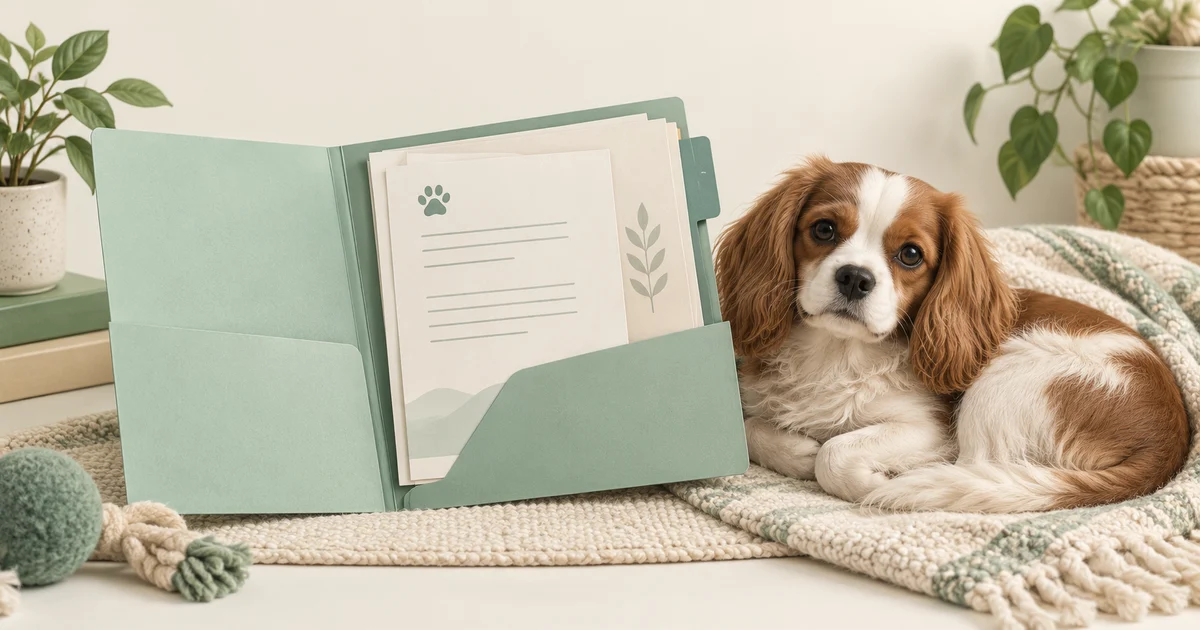
Start with one folder for your dog, keep the documents as you received them, and add an index showing each file's date and source. You can do this with paper or a folder on your phone. The aim is to find a particular record without searching through months of clinic emails.
Collect the documents you already have
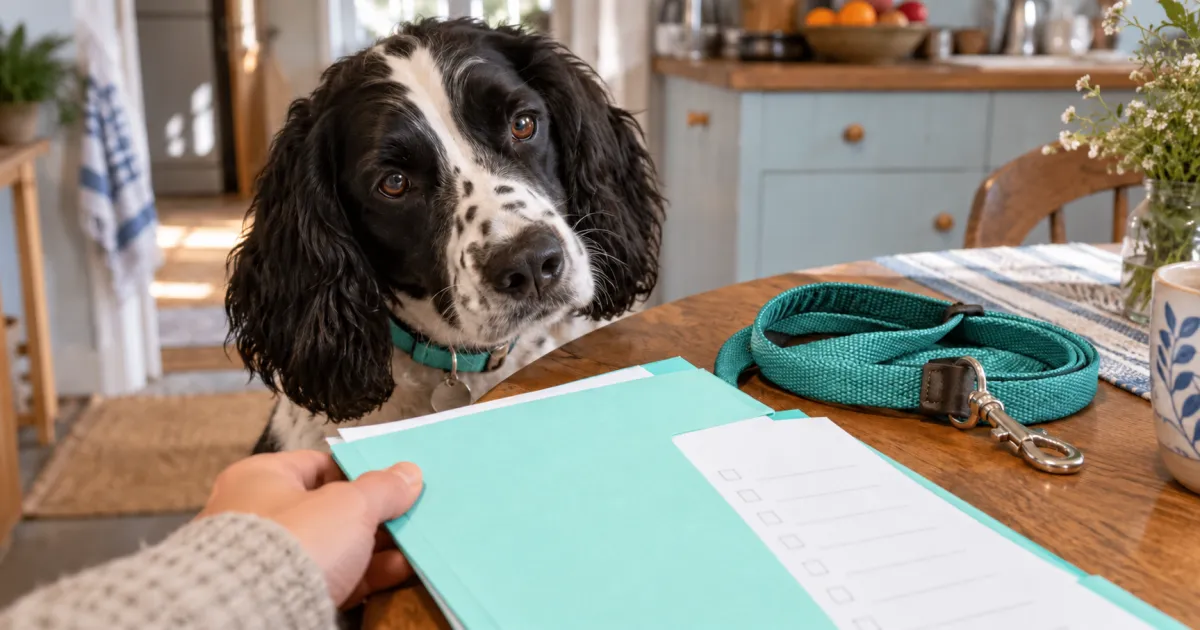
Check your clinic emails, downloads folder, and paper envelope. Start with the most recent documents, then work backward as you have time. Ask clinics your dog has visited how to request copies of missing records. Keep a short list of what you requested and from whom, so you can follow up without repeating the search.
- Collect vaccination records, visit summaries, test reports, and discharge instructions that the clinic has provided.
- Keep prescription labels and any accompanying information sheets with the relevant visit documents.
- Put microchip registration details and identification documents in a separate section.
- Keep invoices and insurance paperwork together, so you can find them without opening the medical documents.
UC Davis describes a comprehensive patient history as an important part of a veterinary visit. Your archive gives you a place to retrieve that background. Leave clinical wording intact, including abbreviations you do not understand. Ask the issuing clinic to explain a term or correct an error instead of editing the report yourself.
Choose a folder and a repeatable filename
Name the main folder after your dog. Within it, try sections for clinic records, identification, and receipts. A paper binder can use the same dividers. If you have several dogs, give each a separate folder and check the animal's name on a document before filing it. Start with these broad sections; add another only when you need it.
For digital copies, try this pattern: document date, dog name, document type, clinic. A fictional example is 2026-10-01_Milo_visit-summary_ExampleClinic.pdf. Use the date written on the document, and keep its original file extension. If the date is missing, write undated and note when you received it in the index. Avoid guessing a date from the download timestamp.
Photograph or scan paper pages in order, including the reverse side if it contains information. Open the saved copy and zoom in to check that you can read the dog's name, dates, and small print. Keep the paper original in its section. A clear digital copy helps you retrieve information; ask the recipient what format or original document they require.
Make an index you can search
Create a note or spreadsheet called Record index. Give each document one entry with its date, type, issuing clinic, and filename or binder location. Add a status column for administrative notes such as copy requested or corrected version received. Keep your own questions in a separate column, so you can distinguish them from the clinic's wording.
- Document date and type: October 1, 2026; visit summary.
- Source and location: Example Clinic; clinic records folder; 2026-10-01_Milo_visit-summary_ExampleClinic.pdf.
- Received and checked: October 2, 2026; both pages readable.
- Follow-up note: requested the separate test report; waiting for the clinic's reply.
For identification, record the microchip number and registry name alongside the registration paperwork. AAHA explains that the chip stores an identification number, not your dog's medical history. Update your contact details with the registry when they change; editing the copy in your folder does not update the registry. Keep a note of the date you checked it.
Keep earlier versions and flag uncertainty
A newer download date does not tell you whether a clinic changed the document. Compare the document dates and ask the issuer which version to use if two copies disagree. Save a corrected copy with a distinguishable filename, retain the earlier copy in an archive section, and note the replacement in your index. Avoid labeling a clinical instruction current based on file order alone.
The FDA explains that prescription labels contain administration instructions and that some medicines also come with a Client Information Sheet. Keep those materials together without shortening their wording. A saved file helps you find the instructions; it does not establish whether a prescription still applies. Ask your vet about unclear or conflicting instructions before relying on an old record.
Test access and keep the folder usable
Keep a backup in a second location you control. If you want access without a connection, save the needed copies to your device and test them with the connection off. Check the sharing settings before sending a folder link. Ask the recipient which records they need and send that selection, checking for unrelated household or payment details first.
Finish by finding one document through the index, opening it, and locating its paper original if you have one. After a clinic sends a new file, repeat the same small routine: check the dog and date, save a readable copy, and add the index entry. For a visit, use the archive to collect the requested records alongside your questions for the vet.
Your document inventory
Use this sheet with the instructions in the article. Fill in what you know and leave a question where information is missing.
This page does not send your notes to our server or save them. Refreshing or leaving can lose your notes. Save a PDF or print a copy before you close it.
This sheet organizes information, not medical decisions. If your dog is unwell or you are worried, contact a veterinarian rather than completing the sheet.